

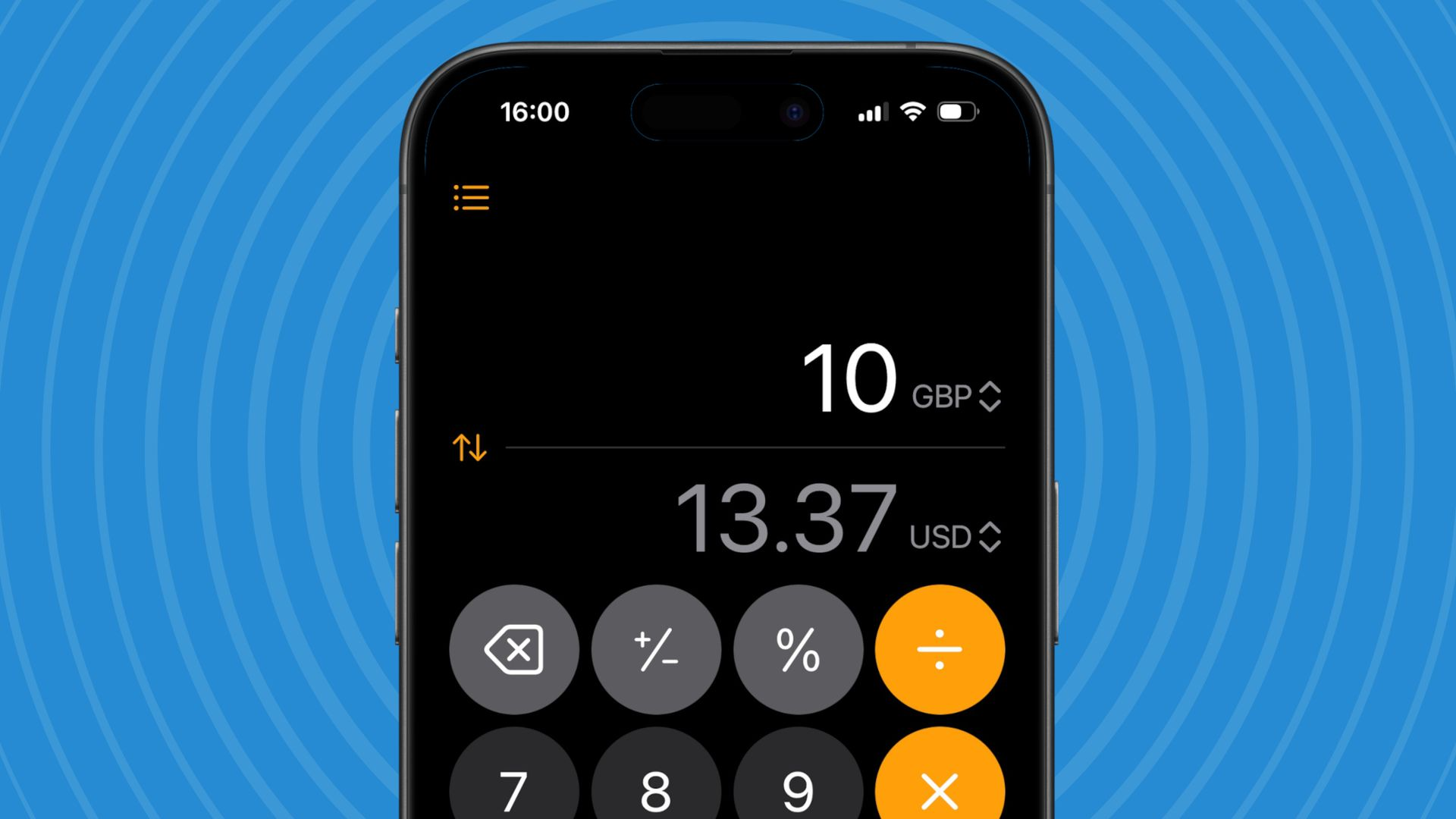
Traveling abroad, following an international recipe, or comparing luggage weights can turn simple math into an unnecessary hassle. You might need to convert euros into dollars, Celsius into Fahrenheit, or kilograms into pounds—and searching for each answer separately wastes time.
Your iPhone already has a built-in solution: the Calculator app’s conversion mode. It can handle currencies, temperatures, measurements, and several other conversions without requiring a separate app.
How to find the hidden feature
The feature is easy to overlook because it sits inside the calculator’s existing interface.
- Open the Calculator app on your iPhone.
- Tap the calculator mode menu, usually accessible through the calculator icon or mode controls.
- Select Convert to activate conversion mode.
- Choose the units or currencies you want to convert using the available unit selectors.
- Enter a number and let the calculator display the converted result.
The exact controls may vary by iOS version, so look for the Convert option in the calculator’s mode menu if your screen looks different.
Three ways it can make life easier
1. Spend smarter abroad
Shopping in another country? Convert a foreign price into your home currency before deciding whether something is worth buying. Currency rates fluctuate, so use the displayed result as an estimate and confirm the final exchange rate before making a purchase.
2. Avoid luggage-weight surprises
Airlines commonly publish baggage limits in kilograms, while some luggage scales show pounds. A quick conversion helps you understand the limit and reduce the chance of arriving at the airport with an overweight bag.
3. Make international recipes easier
Recipes may use grams instead of ounces, milliliters instead of cups, or Celsius instead of Fahrenheit. The calculator can help convert many of these measurements without interrupting your cooking to search online.
You can also explore conversions involving length, volume, area, speed, temperature, energy, and more.
One useful detail to remember
Currency conversions are estimates, not guaranteed transaction prices. Banks, card issuers, and currency exchanges may apply different rates or fees. For cooking, remember that converting volume to weight depends on the ingredient; a cup of flour does not weigh the same as a cup of sugar.
The smarter take: Before downloading another utility app, explore the tools already on your phone. The iPhone Calculator’s conversion mode can save time while traveling, shopping, packing, and cooking—all with a feature you may already have.